Volunteer
Volunteer Sign Up
Help with Little Red
Little Red depends on volunteers across packet pickup, course support, rest stops, and event-day logistics.
Register below to review current support opportunities, role summaries, check-in details, and event-week updates for volunteers.
Included for Volunteers:
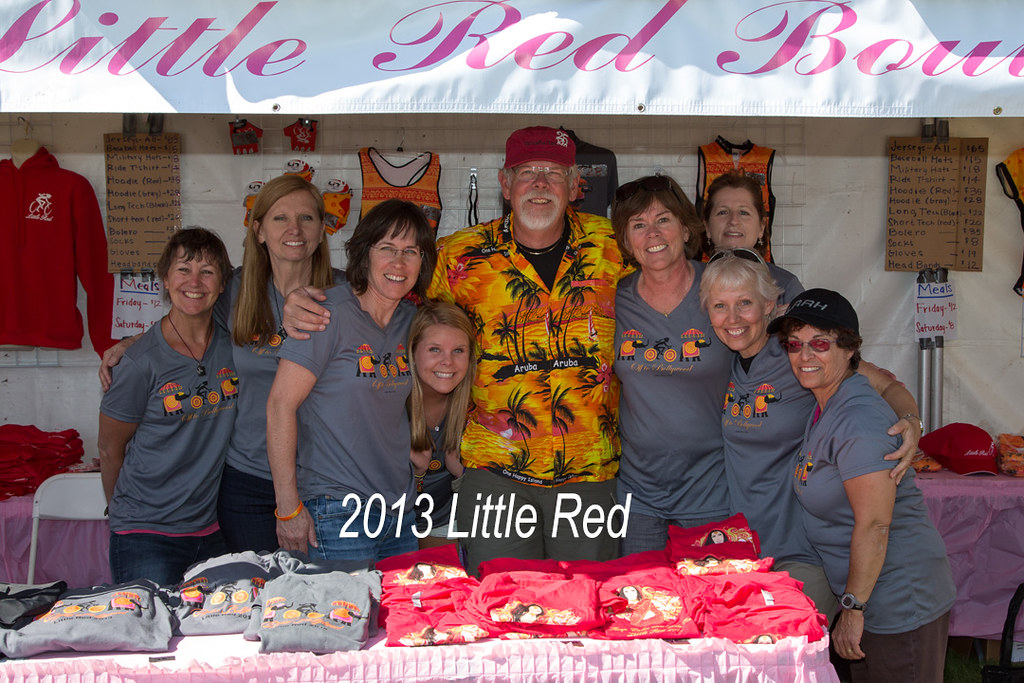
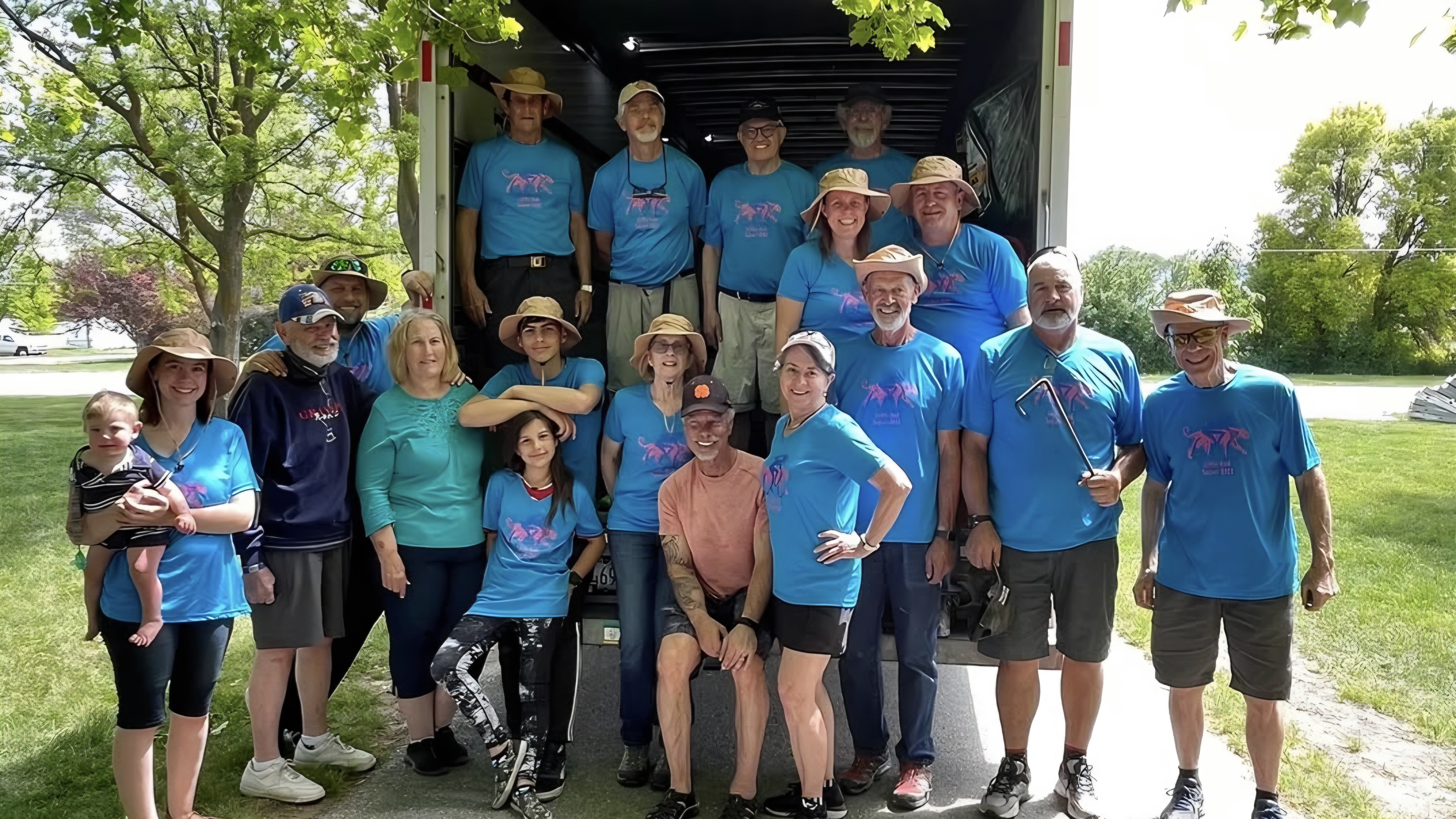
- Complimentary Little Red t-shirt and cap
- Meals or refreshments during your assigned shift (MUST WEAR SHIRT so we know who our volunteers are)
- Role details and timing shared in your volunteer confirmation
- FREE camping at Lewiston Fairgrounds Friday & Saturday nights
- Friday Night Entertainment, Contents & Events
Timeline & Events for Volunteers
Friday Night & Saturday
If your Volunteer schedule takes you to the Lewiston Fairgrounds, here’s a summary of what’s going on.
Friday Afternoon and Evening Things to Do
See: Event Info page for Friday
Saturday Morning Volunteers at Lewiston Fairgrounds
6:45 — 10:00 am - Breakfast is served (MUST WEAR YOUR LITTLE RED SHIRT so we know you are a volunteer)
Saturday Morning Volunteers at the Rest Stops
Lunch is provided for rest stop volunteers WEARING THEIR LITTLE RED SHIRT, either at your rest stop or at the Lewiston Fairgrounds, but there is no breakfast at the rest stops other than snacks.
If you have no duties at the fairgrounds, you can go directly to your rest stop. Unless your rest stop leader has directed otherwise, please arrive no later than the set up time to unload your supply truck, arrange tables, fill water coolers, and prepare and set out food items before that first wave of riders.
Whether your job takes you to a rest stop or to the fairgrounds, we recommend that you bring anything you want to make yourself comfortable. For example:
- Sunscreen
- Water bottle
- Any special snack or food items that you may want handy
- Prepare for the weather. Check your favorite weather app for the conditions in Lewiston and bring appropriate layers.
- And always remember: Be Safe Out There!
On behalf of Huntsman Heroes and thousands of women and girls, thank you for your service and your support.
Volunteer FAQs
Can I change my registration information after I have registered?
Yes. Please keep the information in your Active Network account current so we can email you important information about the event from time to time.
Where do I pick up my complimentary t-shirt & cap?
At the BCC Volunteer Booth at the Lewiston Fairgrounds on Friday or Saturday. Rest stop volunteers can also pick up their t-shirt and cap at their rest stop on Saturday.
What is the minimum age for a volunteer?
Minors 12 – 17 can volunteer for some, but not all jobs. The age restriction is part of registration for that job. Little Red does not permit volunteers under 12.
Can I exchange my t-shirt for a different size?
Only if we still have your size after all other volunteers have been accounted for. Bring your clean, unused t-shirt to the Volunteer Booth.
When and where do I report?
Shift times and locations are in your registration confirmation email from Active Network. Please arrive a few minutes before your scheduled shift.
What if I have to cancel?
Please contact us as soon as possible so we can find a replacement.
What should I bring to my shift?
- Weather-appropriate clothing
- Sunscreen
- Water bottle
- Enthusiasm and a positive attitude!
I'm not getting your emails.
If you don’t get a confirmation email after registering:
- Look in your spam or junk folder for an email from Active
- Mark it as “not spam” or “not junk” to receive future emails.
How to whitelist in Gmail (Desktop)
- Click the Gear icon (Settings) > See all settings.
- Go to the Filters and Blocked Addresses tab and click Create a new filter.
- In the From field, type Active Network’s email addresses or domain names.
- Click Create filter.
- Check the box Never send it to Spam.
- Click Create filter again to confirm.
How to whitelist in Outlook (Web & Desktop)
- Go to the Gear icon (Settings) > Mail > Junk email.
- Under Safe senders and domains, click + Add or Add safe sender.
- Enter Active Network’s email addresses or domain names.
- Click Save.
How to whitelist in Hotmail
- Go to the Gear icon (Settings) > Emails > Junk Email.
- Click Safe Senders list.
- Enter Active Network’s email addresses or domain names.
Other email systems (for example Apple, Yahoo, etc.) have similar steps to recognize safe senders.